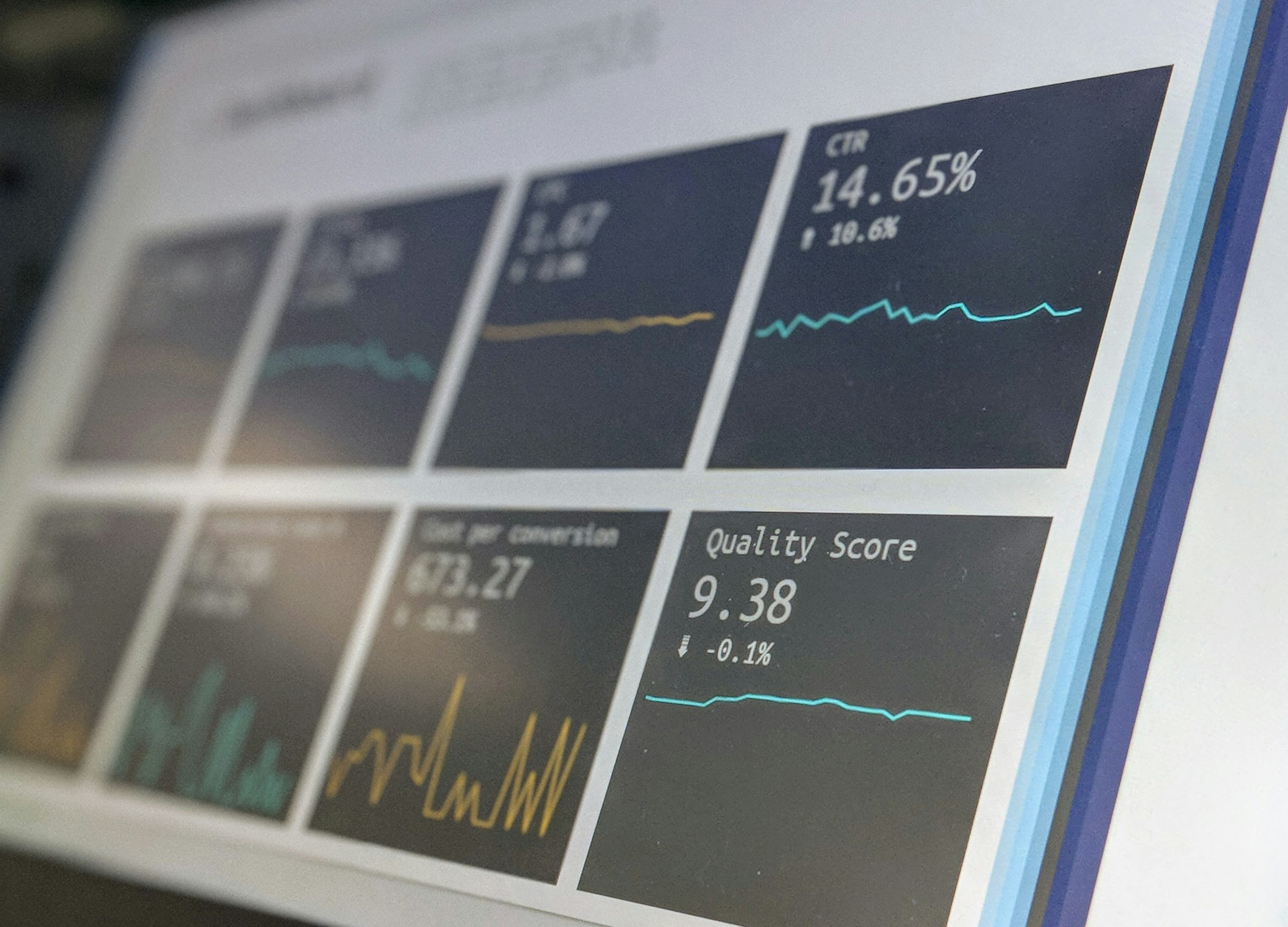
Why Every Department Needs a Tailored Dashboard: A Practical Guide
Stop relying on generic dashboards. Discover why building a tailored department dashboard boosts KPI tracking, accountability, and performance visibility.

The Dashboard Dilemma
I recently noticed a recurring problem in many companies I work with.
Departments implement new SaaS tools.
Only then to be handed a generic dashboard that “should” cover their KPIs.
But these KPIs rarely align with what management actually cares about.
I’ve seen teams ignore these dashboards entirely, reverting to spreadsheets, gut instincts, or monthly status meetings.
It’s a classic case of good tools, poor fit. That’s why I want to share why building a tailored dashboard for your department is essential.
Why Generic Dashboards Don’t Cut It
Most vendor-provided dashboards are designed for broad applicability. They’re fine for high-level insights but fail when it comes to department-specific goals.
Each company has unique KPIs, and each department has its own operational nuances.
Without a tailored approach:
- Teams struggle to track what really matters.
- Misaligned priorities cause confusion and friction.
- Critical issues go unnoticed until they escalate.
Key Reasons to Build Your Own Department Dashboard
Here’s where things get actionable.
Based on my experience, these are the three biggest reasons you should start building your tailored dashboard as soon as possible.
1. Real KPI Tracking That Reflects Your Goals
Out-of-the-box dashboards usually track standard KPIs, generic metrics like user adoption rates, ticket counts, or revenue numbers.
But your management likely has internal KPIs that define success for your team.
I found that extracting data early and designing a custom dashboard allows me to:
- Track real performance metrics instead of placeholders.
- Customize dashboards for department-specific priorities.
- Avoid misalignment between what management wants and what the team measures.
A tailored dashboard becomes a live reflection of your department’s true impact.
2. Align the Team Around What “Good” Looks Like
Ever heard a team say, “We’re all aligned,” only to realize half the members don’t know the key priorities?
That’s a problem I’ve faced often. A custom dashboard codifies success:
- It translates strategy into KPIs, targets, thresholds, and ownership.
- Confusion is minimized. No more “I thought that wasn’t important” conversations.
- Performance becomes objective, making accountability and motivation tangible.
When everyone knows exactly what “good” looks like, decisions become faster, and meetings are far more productive.
3. Eliminate Blind Spots Before They Become Costly
Working without a tailored dashboard is like navigating with a blurry map. Teams operate on scattered spreadsheets, manual updates, and lagging monthly reports. From my experience, this approach is risky and expensive.
A department-specific dashboard helps you:
- Identify bottlenecks before they escalate.
- Focus on metrics that truly drive performance, not vanity numbers.
- Detect underperformance early, reducing surprises in leadership meetings.
I’ve personally caught process breakdowns in real-time by having a live dashboard, saving countless hours and avoiding costly errors.
How to Approach Building Your Dashboard
Here’s a quick roadmap based on what worked for my teams:
- Define KPIs first: Start with your management’s goals, not the SaaS metrics.
- Map data sources: Identify where the data lives. It could be CRM, ERP, spreadsheets, or APIs.
- Design for clarity: Keep visuals simple, focus on actionable insights.
- Iterate regularly: Dashboards should evolve as priorities shift.
- Encourage adoption: Train your team and demonstrate how the dashboard solves real problems.
Even a basic tailored dashboard can yield immediate benefits: visibility, alignment, and early problem detection.
Common Pitfalls to Avoid
- Copying vendor dashboards: They rarely match your unique goals.
- Overloading metrics: More is not better; focus on what drives results.
- Ignoring team input: Dashboards are only useful if the team trusts the data.
Final Verdict: Don’t Wait to Customize
From firsthand experience, the sooner a department builds its tailored dashboard, the better. It’s about creating clarity, accountability, and a culture of data-driven decisions.
If your team is still relying on a generic SaaS dashboard or scattered spreadsheets, take action now. Extract the data, define your KPIs, and build your own dashboard.
Your future self (and your leadership team) will thank you.
Related Articles:
 Anas
Anas
 Anas
Anas
 Anas
Anas