Best Tools for Data Analysts in the Corporate World (2025 Guide)
The best tools for data analysts in 2025. A practical guide to the essential corporate analytics stack: Excel, SQL, Power BI, and AI assistants.

If you’re stepping into analytics or trying to work faster in a corporate environment, the tools you choose matter more than most people admit. Data analysis is a workflow, not a single skill. And in my experience, that workflow rises or falls depending on something deceptively simple: the software you rely on every day.
The corporate world adds another layer of complexity. You may want to use a trendy new app, but your organization might restrict installations, block cloud tools, or require everything to be Microsoft-approved. I’ve lived through all of that. The good news? You don’t need 20 tools. You need a practical, dependable stack that works inside real corporate constraints.
Here’s the toolkit I’ve found most analysts can actually use and grow with inside a modern company setting.
#1 A Spreadsheet App (Your Most Important Tool)
If I had to start from zero in any corporate job, the first tool I’d master without hesitation is a spreadsheet app.
And the truth is simple: Excel is still unmatched.
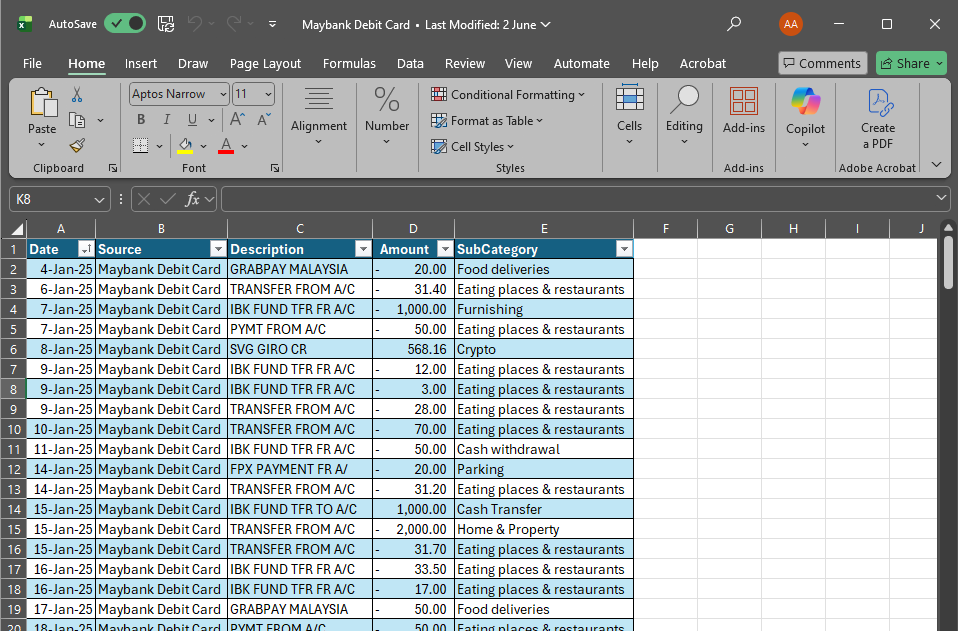
It’s available in every Microsoft 365 tier. It aligns with corporate security policies. It’s audited, approved, and deeply integrated with the rest of the ecosystem.
More importantly, Excel gives you a lot of flexibility:
- quick calculations when your manager needs something “in 5 minutes”
- clean printable reports (still very common in big companies)
- fast prototyping before automating in Power BI
- diagrams and simple wireframes
- complex modeling with formulas, Power Query, and even Python
Over the years, I’ve seen analysts try to replace Excel with “lighter” spreadsheet apps. In corporate environments, it backfires. People expect Excel files. Stakeholders expect XLSX file formats. And the majority of internal workflows still run on Excel.
Alternatives you may see in the wild:
- Google Sheets (great for collaboration, harder in locked-down environments)
- LibreOffice Calc (rarely approved in enterprises)
- Draw.io / apps.diagram.net (for diagramming, not heavy data work)
If you’re early in your career, master Excel first. It pays off every single day. Here's my guide on Mastering Excel.
#2 A Data Exploration Tool (SQL Is Non-Negotiable)
Almost every company I’ve worked with stores operational data in relational databases: SQL Server, PostgreSQL, MySQL, MariaDB, Oracle, you name it. To analyze anything meaningful, you need to explore tables, relationships, and sample records.
This is where a SQL exploration tool becomes essential.
My recommendation, especially in corporate environments, is SQL Server 2022 Developer Edition (free).
Why I prefer it:
- It’s easy to install locally.
- It mirrors what many enterprises use internally.
- You can safely practice SQL without touching production data.
- It’s great for learning joins, relationships, indexes, and query tuning.
For day-to-day browsing of database tables (in real work), many analysts rely on:
- DBeaver (free, cross-platform, widely approved)
- Azure Data Studio (Microsoft-approved, modern editor)
- MariaDB (for teams using open-source stacks)
- Fabric (New Microsoft Tool that is still undergoing experimentation and requires a subscription)
Personally, I’ve found that having a local SQL Server sandbox accelerates learning dramatically. You can test queries without worrying about breaking anything or slowing down a production server.
#3 A Dashboard & Visualization Tool
When your analysis is done, the next step is presenting insights clearly, usually to senior management. This is where dashboard tools matter.
In 95% of corporate environments I’ve seen, Power BI is the best first choice.
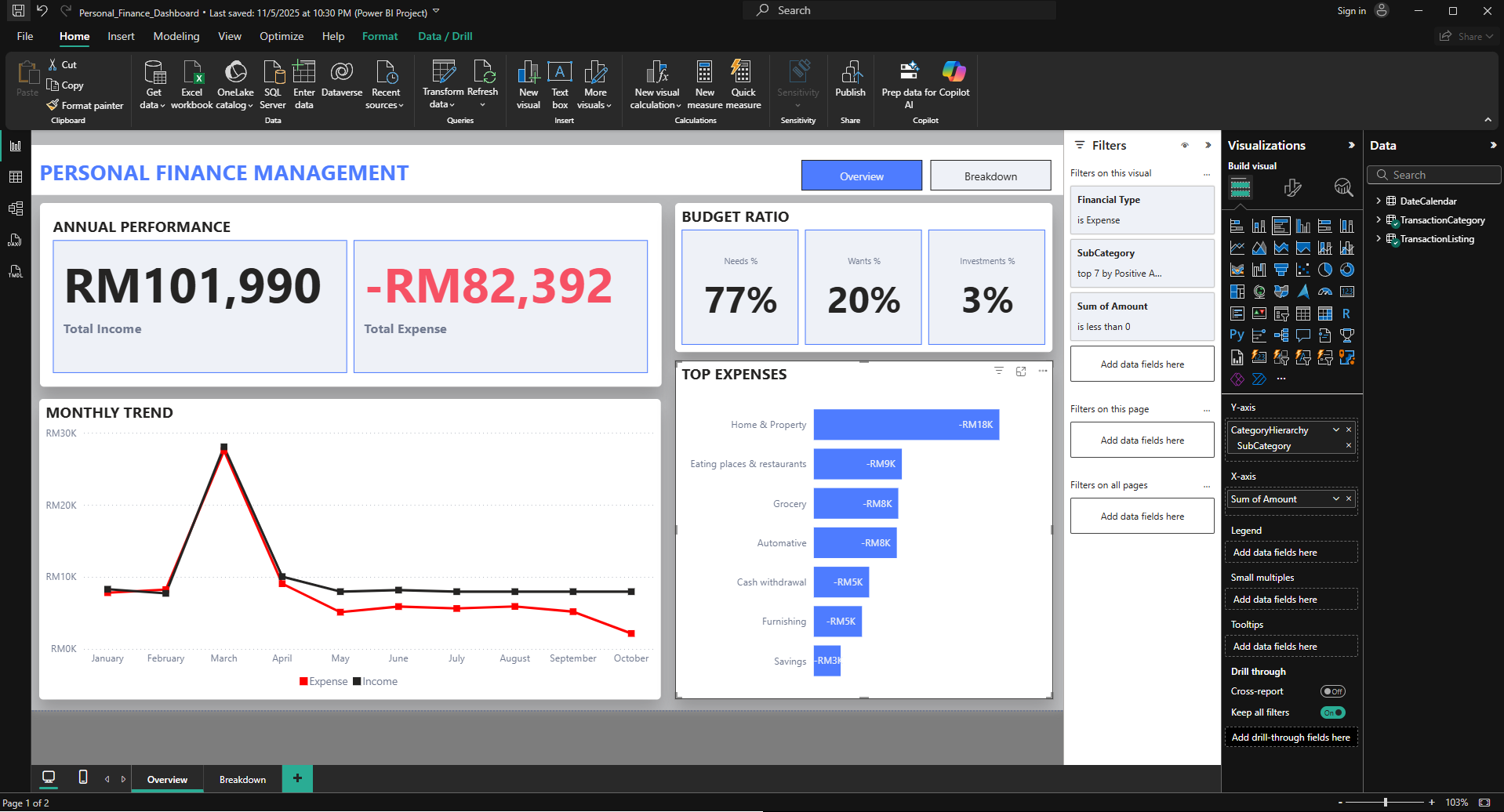
Here’s why:
- It’s free for individual use.
- It integrates natively with Excel, SQL Server, Azure, SharePoint, Forms, and Teams.
- Most organizations eventually upgrade to Pro or E5 licenses.
- Security configurations align with enterprise compliance needs.
From quick ad-hoc visuals to full business dashboards, Power BI hits the sweet spot between usability and power.
Alternatives you might encounter:
- Tableau (excellent visuals; often used in analytics-heavy companies)
- Looker Studio (simple and cloud-friendly, but limited in enterprises)
If you’re building a corporate analytics career, learning Power BI is one of the highest-ROI skills you can invest in.
#4 An LLM Assistant (The Modern Analyst’s Secret Weapon)
As someone who has spent years doing data work, I cannot overstate this:
AI assistants have become essential tools in the analyst workflow.
In corporate environments, the most accessible and secure choice is usually Microsoft Copilot, especially if your organization uses Microsoft 365.
I use LLMs daily for tasks like:
- rewriting SQL snippets more efficiently
- generating DAX formulas
- exploring alternate chart types
- summarizing extracted data
- drafting memos for senior management
- troubleshooting errors
If your IT team allows external LLMs, other strong options include:
The key is not just “using AI”, it’s integrating it into your workflow. Treat these tools as a junior analyst who never gets tired, never loses patience, and can generate ideas instantly.
Putting It All Together: Your 2025 Data Analyst Toolkit
If you’re overwhelmed by the endless list of tools online, ignore the noise. Start with the set that actually works inside real companies:
- Excel: your everyday analysis companion
- SQL Server + DBeaver/Azure Data Studio: for exploration and querying
- Power BI: to visualize insights and communicate impact
- Copilot or another LLM: your multiplier for speed and clarity
This combination is powerful enough to handle 90% of the analytics work you’ll face in a corporate setting.
Once you’re comfortable, you can expand into automation (Power Automate or Copilot Studio), cloud data engineering (Azure Synapse, Snowflake), or advanced analytics (Python, R). But you don’t need those to get started or to be effective.
Final Verdict
If you're entering the analytics world in 2025, simplify your stack and focus on tools that actually give you leverage inside a corporate environment. Master these four tools, and you’ll have the skills to explore data, build visuals, and communicate insights without fighting IT restrictions or chasing unnecessary “shiny tools.”
Your workflow becomes smoother, your analysis becomes faster, and your day-to-day work becomes far less stressful.
Related Articles:
 Anas
Anas